Exact file-size targets
Choose a common preset or type the exact upload limit.
Easily resize images in KB online for free.
Passport photo and signature uploads for exam forms, government portals, documents, and job applications stay private on your device.
Common upload workflows
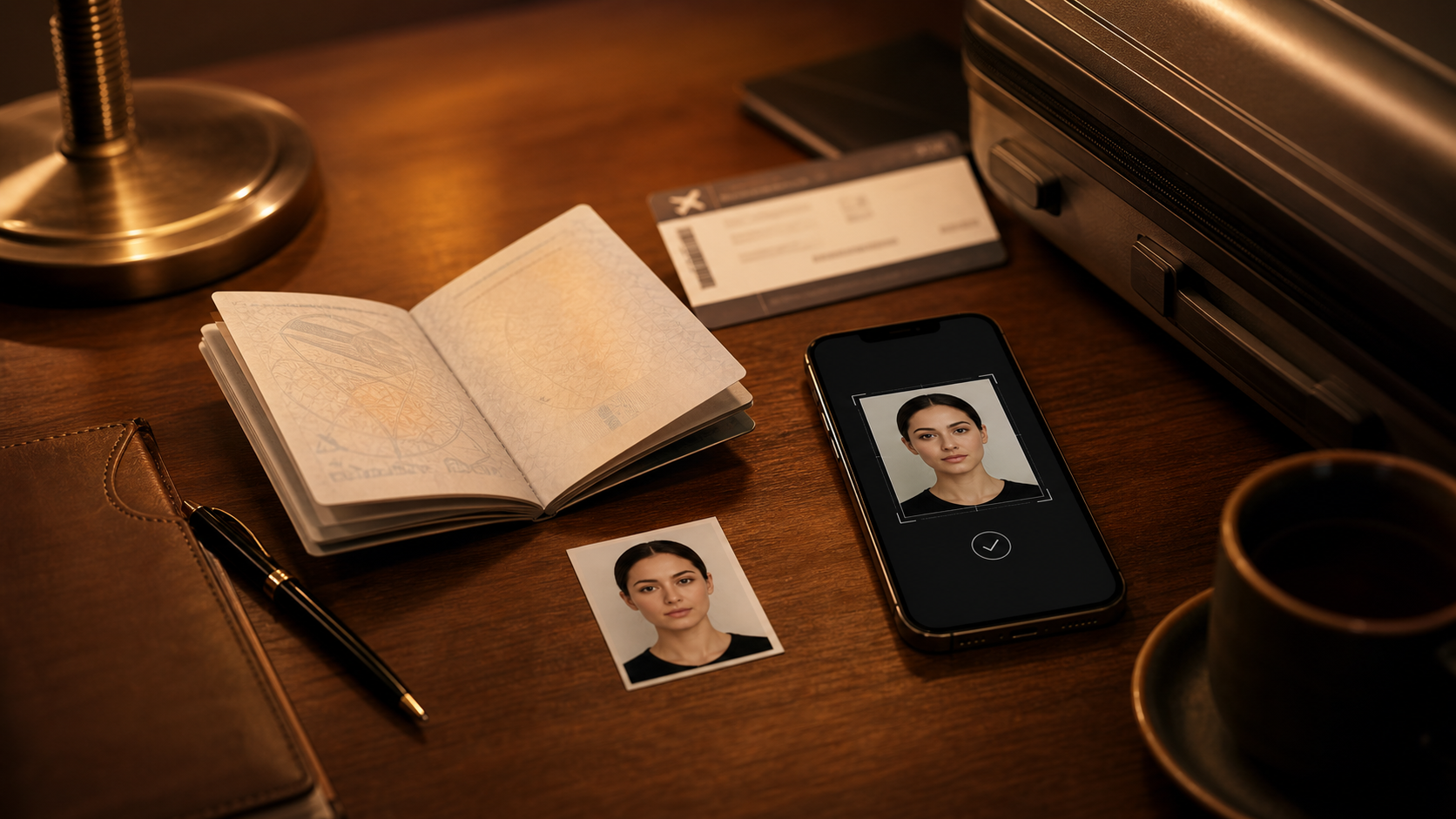
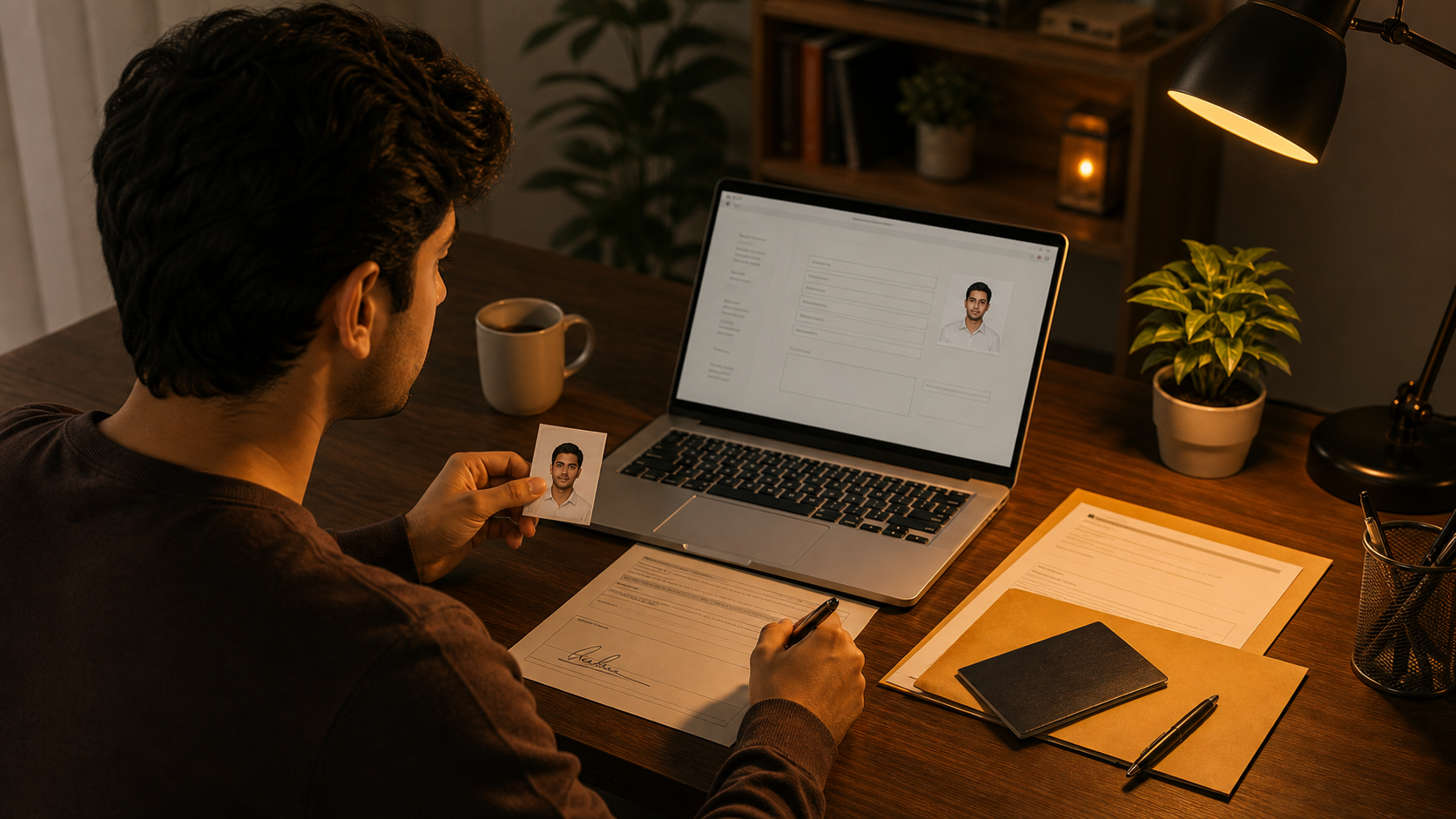
For passport photo uploads and ID forms.
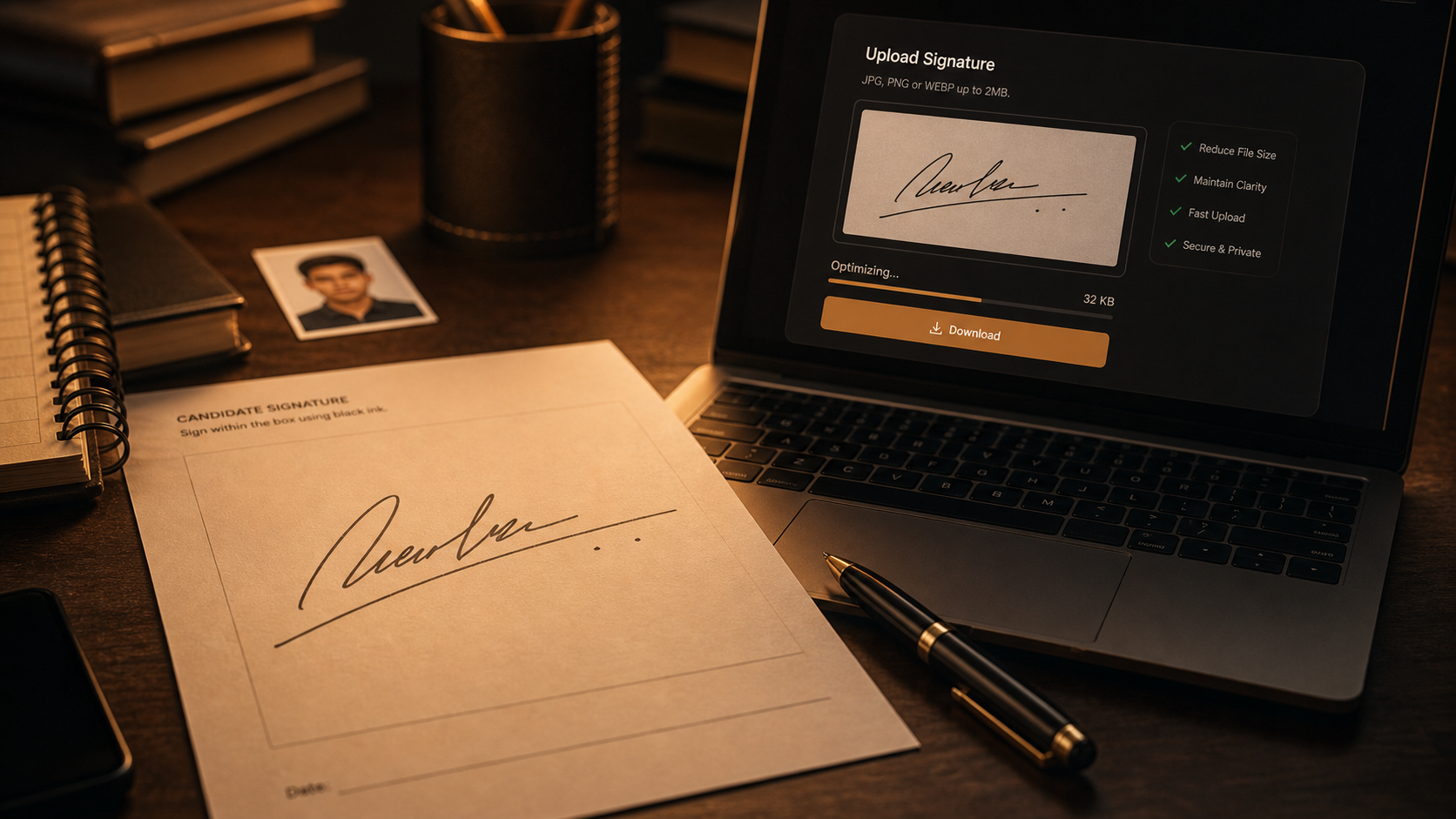
For exam forms and application signatures.
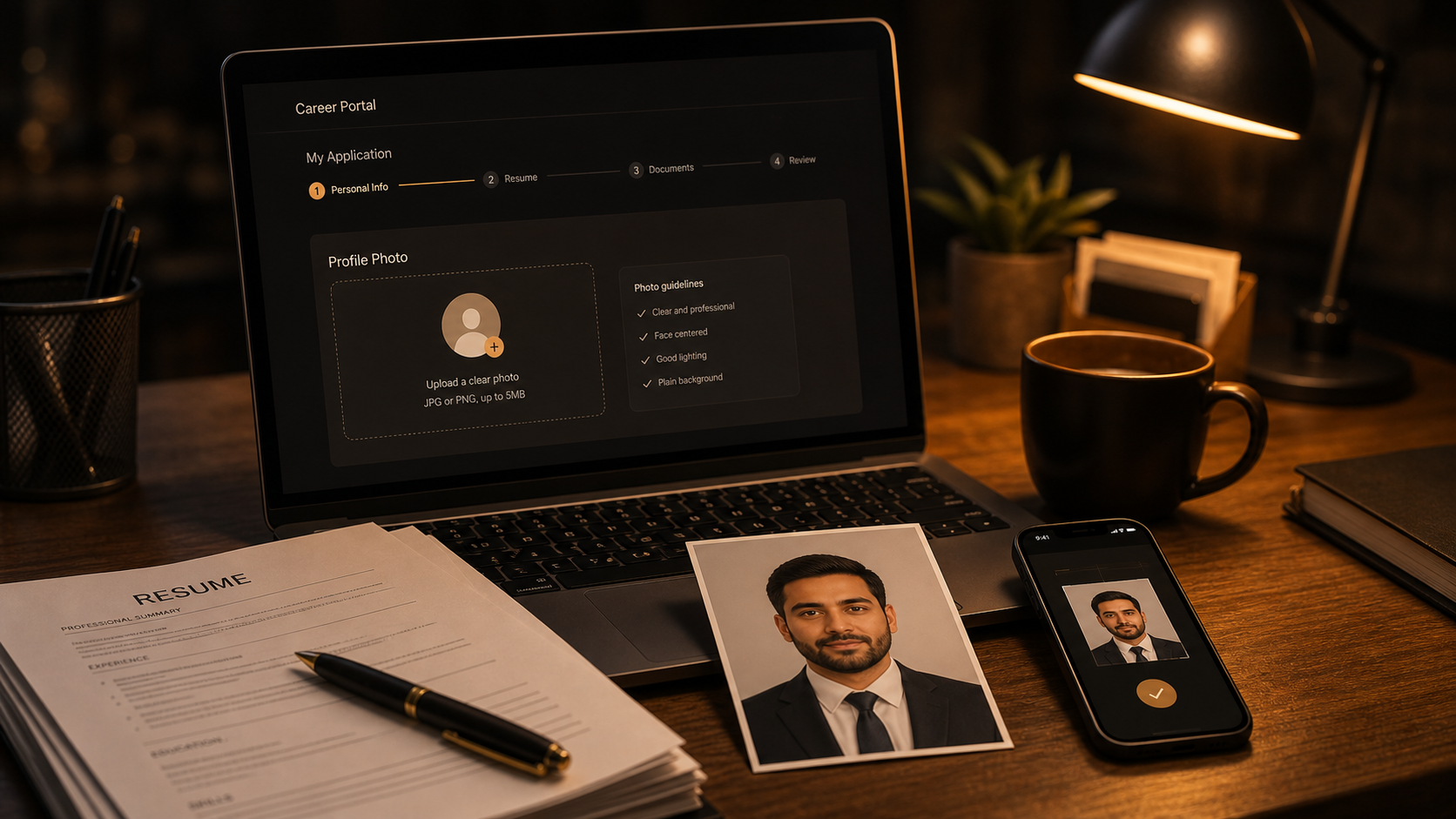
For job application and profile portals.
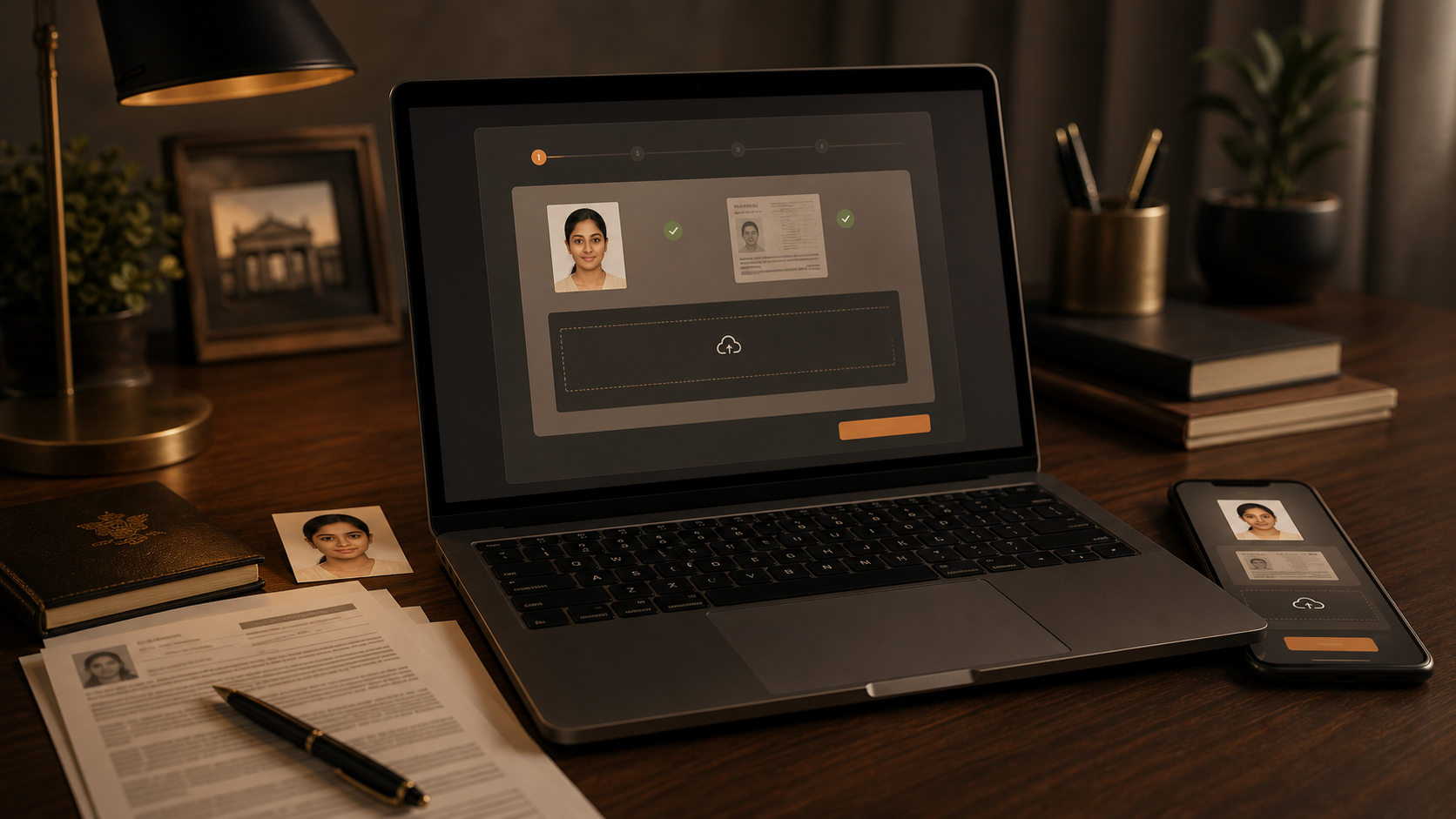
For government portals and document uploads.
For lighter pages and faster loading.
Enter the exact number requested by a form.
A focused tool for exact file-size targets, upload forms, and quick browser-based downloads.
Choose a common preset or type the exact upload limit.
Built for passport photo, signature upload, exam form, government portal, and job application limits.
Compare original size and result size before downloading.
Resize locally in the browser for common image tasks.
Start free without registration or credit card.
Example preview states use noindex query URLs and stay out of sitemap.
Start free. Upgrade only when you need bigger batches, larger files, or heavier daily use.
Perfect for getting started
For frequent resize image kb work
For heavy image size reduce kb workflows
Clear answers about 20K, 40K, custom targets, image quality, privacy, and strict upload limits.
Resize image kb tool targets file weight, not only width and height. Upload an image, choose 20K, 40K, 100K, or custom KB, preview, then download a smaller file.
Pixel resize changes dimensions. Resize image kb changes final file weight. The workflow balances dimensions, format, and quality so photos, forms, profiles, email images, and document uploads stay light.
Strict upload limits appear across exam forms, government portals, hiring sites, travel documents, and account pages. Resize image kb makes this practical: make a passport photo, signature, screenshot, or phone image fit before submission.
Many users search for resize image 20 kb when a portal asks for a very small file. Resize image kb preset gives a fast starting point, then the preview helps confirm that the face, document, or signature remains readable.
Resize image 40 kb is another common target for profile photos, signatures, and small document images. Resize image kb avoids random exports: choose the preset, check the output, and keep the version that looks clear enough.
Reduce image size kb means making a file smaller by KB target. Free resize image kb tool handles odd limits, so you can type the exact number requested by a portal.
Image quality depends on the source. Bright passport photos usually compress better than dark phone pictures. Signatures need clean edges, screenshots need readable text, and document photos need enough contrast. Resize image kb preview should make those tradeoffs visible.
This free resize image kb tool runs in your browser. IDs, applications, document photos, and personal signatures can be resized locally without account setup.
For official forms, clarity matters more than decoration. If the file is a signature, the strokes must stay clean. If the file is a passport photo, the face should stay centered and readable.
Format also matters. JPG is usually efficient for photos, PNG can help flat graphics or signatures, and WebP often gives a strong quality-to-size balance. Resize image kb interface should keep format details simple and let the result preview guide retries.
Example cards are not decoration. Passport, exam, government, signature, travel, and job scenes show the exact situations where users need smaller files. Real images make the page feel like a working utility instead of a keyword list.
FAQ content should answer real questions without sounding forced. Can a passport photo stay clear? Can a signature remain readable? Does compression change dimensions? Are preview URLs indexed? These answers help users and search engines without keyword stuffing.
Real examples show where resize image kb work happens: passport photos, exam forms, signatures, travel documents, job profiles, and website images.
Before uploading, start with the clearest original you have. Crop away empty background, keep the subject centered, and avoid screenshots of screenshots. A cleaner source gives the compressor more room to reduce file weight without making faces, text, or edges look muddy.
Some portals only say that the file must be below a maximum size. In that case, choose a target slightly under the limit rather than exactly on it. A 100 KB limit might work better with a 95 KB result, because different websites can calculate file size slightly differently.
Resize image kb FAQ should answer quality, privacy, file format, preview, custom target, and upload limits without stuffing keywords or hiding the actual tool.
Signatures are small but sensitive. Thin strokes can break if compression is too aggressive, especially when the original scan has a gray background. If the result looks weak, try a slightly larger target, crop the empty margin, or start from a cleaner black-on-white source.
Two images can react differently to the same target because their details are different. A flat form screenshot may shrink easily, while a noisy phone photo may need more compression. That is why preview, retry, and custom target controls matter more than a single fixed setting.
Single-image resizing is best for quick form work, but batch resizing helps when the same upload portal needs several files. Keep each file type in mind: a profile photo, a document scan, and a signature may need different targets even if they belong to the same application.
Use 20K for very strict signature or tiny photo requests, 40K for small profile images, and 100K for document photos or portal uploads with a little more room. When the website gives a different number, the custom target field is the safer choice.
A smaller file does not always mean a worse image, but every file has a limit. Good compression removes hidden weight first; bad compression destroys useful detail. The goal is not the smallest possible file. The goal is the smallest accepted file that still looks normal.
ResizeImageKB.org is a free resize image kb tool for direct KB targets. Choose the size, preview the result, and download a lighter image.
Before submitting the final file, open it once and check the important part at normal viewing size. For a face, check the eyes and outline. For a signature, check the strokes. For a document, check the text. If it passes visually and the file size is under the limit, it is ready.
Preview URL uses noindex and is excluded from sitemap.
Upload an image and choose a target size.